· 8 min read · Omkar Satpute and Milind Soni
Hermes Agent on Windows: native install, and a GUI for it
Hermes Agent is Tier 1 on Windows 10 and 11: one PowerShell line, no WSL. The current install, what still breaks, and how to run Hermes inside MausBot.
Yes, Hermes Agent runs natively on Windows 10 and 11. It is a Tier 1 platform, the install is one PowerShell line, and you do not need WSL. What still breaks: a missing Python that turns into the Microsoft Store alias trap, a dependency install failure reported today, an update that once deleted the gateway service, and a PATH that only shows up in a new terminal. The always-on gateway is a Scheduled Task, not a Windows Service. If you want a desktop chat app around Hermes rather than a terminal or a Telegram bot, MausBot runs Hermes as an engine on Windows, next to Claude, Codex, and Grok bots, with Hermes's own approval prompts turned into Allow / Deny cards.
The native install, as of October 2026
Many Windows guides for Hermes still start with WSL2 and pin Python 3.13. Both are out of date. The platform support table now lists Windows 10 and 11, on x86_64 and aarch64, as Tier 1, and the Windows (Native) guide says it plainly: no WSL, no Cygwin, no Docker. The current release is v0.21.5, tagged v2026.9.24.
Open PowerShell and run:
iex (irm https://hermes-agent.nousresearch.com/install.ps1)What that line does, from the guide:
- No admin rights. It installs to
%LOCALAPPDATA%\hermes\and adds that folder to your User PATH, not the system one. - Python has to be in the range
>=3.11,<3.15. Any guide that insists on 3.13 is out of date. - Shell commands the agent runs go through Git Bash. The installer provisions Git for Windows if you do not have it.
- Flags:
-NonInteractivefor scripted installs,-SkipBrowserand-SkipComputerUseto skip those tool sets, and-IncludeDesktopto pull in the desktop app. - Your state lives in
%USERPROFILE%\.hermes\:config.yaml,.env, memories, skills, and the SQLite session store.
Hermes Desktop, in public preview since June 2, 2026, is a separate download for Windows: a signed MSIX delivered through an .appinstaller file. It needs Windows 11 22H2 or later. On Windows 10 you get the script path only, which is still a full install; you just drive it from a terminal or a chat gateway.
What still breaks on Windows
Tier 1 means the project tests it, not that it never fails. These are the failures on the Hermes issue tracker and in community threads as of October 2, 2026.
- The Python alias trap. If Python is not installed, typing
pythonon Windows opens the Microsoft Store instead of running anything, and the installer trips over it. #24424, closed. Install Python first, then run the script. - Dependency install failure on first run. #131199, opened today, October 2, 2026: a fresh native install fails with "dependency install failed". Open at the time of writing.
- An update that deleted the gateway. #41255:
hermes updateremoved thegateway-service/folder and killed the Telegram gateway. Closed July 14, 2026. Worth knowing if your Telegram bot goes quiet after an update. - Locked files during update. Reported by users, not in the docs: updating needs every Hermes process quit first, because Windows holds a lock on loaded
.pydfiles. Stop the gateway task, then update. - PATH. The installer adds the folder to your User PATH, but the terminal you ran it in does not see the change. Close it and open a new one before
hermesresolves. - Execution policy. If PowerShell refuses to run the script, the fix in community guides is to relax the execution policy for the current user. It is a community tip, not a step in the Hermes docs, so treat it as your call.
- ARM64. Windows on ARM is Tier 1 for the Hermes CLI. The MausBot path below is x64 only, so on an ARM64 laptop the terminal route is the one that applies.
WSL2 or native?
Native. The official stance is not "use WSL2"; it is that both coexist, and you use WSL2 if you want POSIX fork or Linux file watchers. For a normal install where Hermes reads your files, runs commands, and talks to a model, native is the supported path and the one the installer is built for. The WSL2-first guides are out of date.
Running it as a service
Hermes's always-on mode on Windows is hermes gateway install. On Windows it registers a Scheduled Task named Hermes_Gateway, scoped to your logon, started through a hidden .vbs launcher so no console window appears. It is not a Windows Service: it does not run before you sign in, and it shows up in Task Scheduler, not in services.msc. That is fine for a laptop you sign into every morning and the wrong tool for a headless box. For a Hermes that never sleeps, the hosting options are a separate post.
OpenClaw on Windows, briefly
OpenClaw is also officially native on Windows now, with more caveats. The Windows platform page lists three paths: the OpenClaw Companion app from the openclaw-windows-node repo (Windows 10 20H2 or later; v2026.9.4 on September 15, 2026 added a Microsoft Store MSIX), the native CLI through iwr -useb https://openclaw.ai/install.ps1 | iex on Node 24.16 or later, and a WSL2 install. The docs still call WSL2 "the most Linux-compatible Gateway runtime" and describe native as working for the core CLI and Gateway, which is a weaker endorsement than Hermes gives its own Windows build.
Common failures: a PATH mismatch between installer and shell (#19921), a non-ASCII user profile path on GBK consoles (#150974, open), a Gateway console window that stays visible (#138706), two Gateways fighting over port 18789 when a native and a WSL install both start (reported by users), and the WSL preflight failing on machines with virtualization switched off in firmware. Computer use on a paired Windows machine goes through the experimental cua-computer plugin: primary display only, no hold-key or separate mouse-down and mouse-up, no modifier arguments. And the exec approval default on gateway hosts is still full, meaning no prompt before a command runs. If you are choosing between the two, read our OpenClaw comparison and, if the machine will be a server, VPS vs Mac mini.
Hermes inside MausBot on Windows
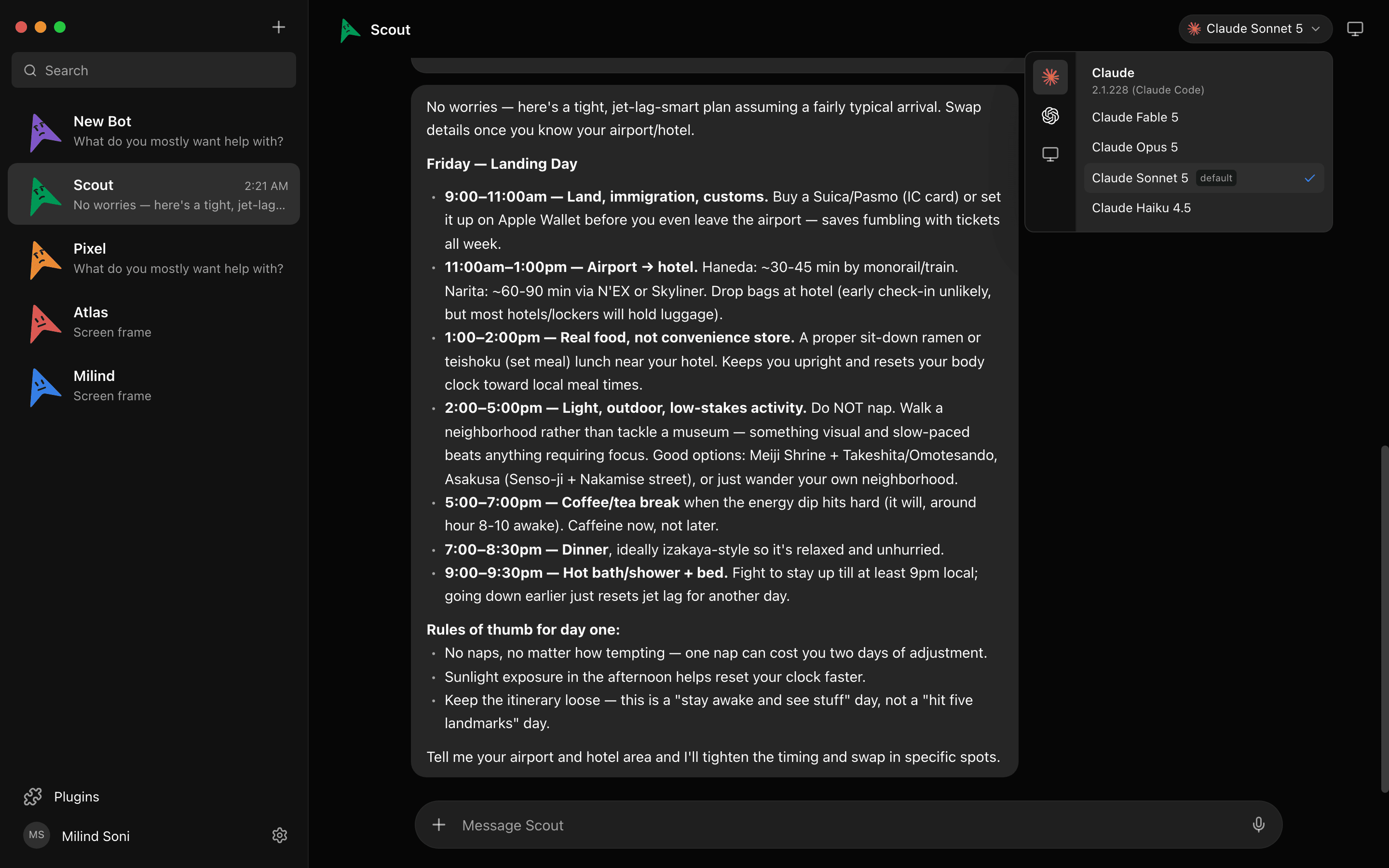
MausBot, published on GitHub as MausBot, is a native Windows x64 app: a chat app where every contact is an AI bot with its own model, its own computer, and its own connected apps. Hermes is one of its built-in engines, alongside Claude, Codex, Grok, Cursor, Gemini, Qwen, Kimi, Droid, Antigravity, OpenCode, and Pi. When you create a Hermes bot, MausBot spawns hermes acp, the Agent Client Protocol mode that Nous ships, and talks to it over stdio. Hermes's docs name VS Code, Zed, JetBrains, and Buzz Desktop as ACP clients; MausBot is not on that list. It speaks the same protocol.
Setup on Windows is the install you already did. If the hermes binary is missing, the app shows the same install.ps1 line from the top of this post, and the sign-in step it shows is hermes setup. There is no MausBot account for Hermes to use; you bring your own provider, the way Hermes always has: Nous Portal, OpenRouter, OpenAI, Anthropic, or any OpenAI-compatible host such as a local Ollama-style server, configured in the providers block of ~/.hermes/config.yaml. MausBot can also register an OpenAI-compatible host for Hermes itself and pick it per turn, so one message can go to a local model and the next to a hosted one.
One detail that saves an afternoon: a leftover OPENAI_API_KEY in your environment makes Hermes resolve to OpenRouter with no key and fail with "HTTP 401 Missing Authentication header". That is a known Hermes failure. MausBot strips a stray OPENAI_API_KEY or OPENROUTER_API_KEY from the environment it hands Hermes, so the provider in config.yaml is the one that wins.
What you get for it: a Windows desktop app with Hermes as one chat in the sidebar and Claude, Codex, or Grok bots in the others; group rooms where bots hand work to each other; routines on a schedule or from a webhook; 500+ connected apps over Composio with one OAuth each; and iOS and Android companions so you can talk to the same Hermes bot from your phone. None of that needs a Telegram gateway or a Scheduled Task, because MausBot is the front door and owns the Hermes process while the app is open.
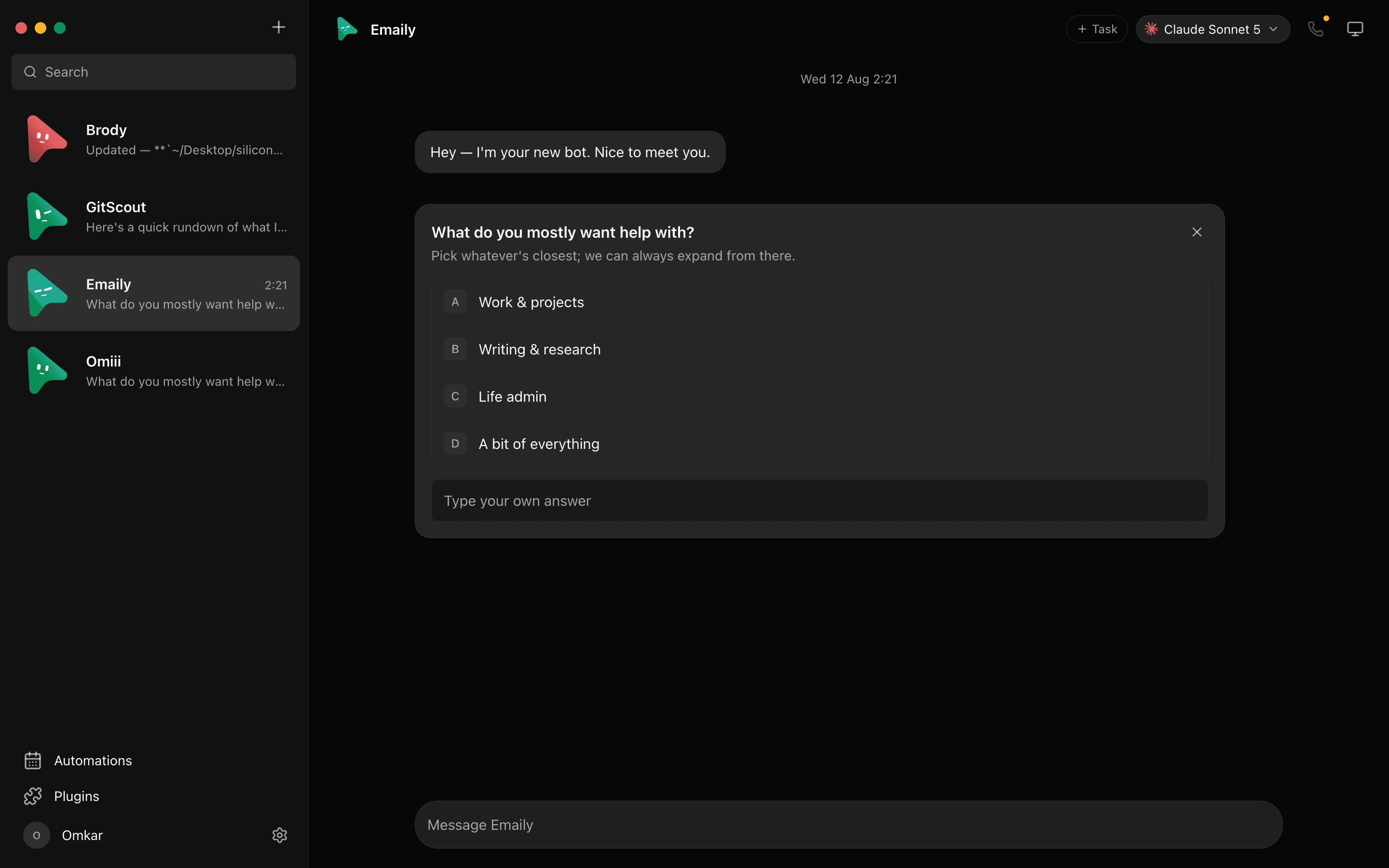
Approvals work the way the custom engines doc describes: permissions ride ACP's own session/request_permission, so when Hermes asks before a command, in its smart or manual approval mode, the request becomes a normal MausBot Allow / Deny card in the chat. The honest limit is that MausBot cannot add a gate Hermes does not raise. If you set Hermes to approval off, or run it with --yolo, its shell commands run without a card. Keep Hermes's approval mode on if you want the card every time. For the same reason, MausBot's cloud Pro guest sessions refuse Hermes.
Two more honest notes. MausBot spawns the same hermes binary you installed, so every bug in the section above still applies; if the native install fails, it fails inside MausBot too. And Hermes bots run while the app is open on your PC, and Pro's cloud guest sessions refuse Hermes for the approval reason above.
Side by side
Four ways to get Hermes, or OpenClaw, onto a Windows machine. Each cell comes from the project's own docs or issue tracker.
| Hermes native CLI | Hermes Desktop | OpenClaw Companion | Hermes inside MausBot | |
|---|---|---|---|---|
| Install | One PowerShell line (install.ps1), no admin | Signed MSIX through .appinstaller, or install.ps1 -IncludeDesktop | Microsoft Store MSIX (v2026.9.4) or install.ps1; Node 24.16+ | OpenMausBot-setup.exe, then the same Hermes install.ps1 |
| Windows versions | Windows 10 and 11, x64 and ARM64 | Windows 11 22H2 or later | Windows 10 20H2 or later | Windows x64 |
| GUI | Terminal, or a chat gateway such as Telegram | Yes | Yes, the Companion app | Yes, a chat app with Hermes as one of the bots |
| Needs WSL | No | No | No, but the docs still recommend WSL2 for the Gateway | No |
| Always-on | hermes gateway install, a logon-scoped Scheduled Task | Not covered in this review | Gateway daemon on port 18789 | While the app is open on your PC |
| Approval gate | Hermes's own modes: smart, manual, or off | Hermes's own modes | Exec approvals exist; the default on gateway hosts is full, no prompt | Hermes's prompts become Allow / Deny cards; no card if Hermes is set not to ask |
Frequently asked questions
- Does Hermes Agent run on Windows 11 natively?
- Yes. Windows 10 and 11, on both x64 and ARM64, are listed as Tier 1 in the Hermes platform support table, and the Windows (Native) guide says no WSL, no Cygwin, no Docker. The installer is one PowerShell line, needs no admin rights, and installs to %LOCALAPPDATA%\hermes.
- Do I need WSL2 for Hermes Agent?
- No. The official position is that native and WSL2 installs coexist, and that you pick WSL2 only if you want POSIX fork or Linux file watchers. Guides that say WSL2 first are out of date.
- Is there a Hermes desktop app for Windows?
- Yes. Hermes Desktop has been in public preview since June 2, 2026 and ships for Windows as a signed MSIX through an .appinstaller file. It needs Windows 11 22H2 or later; on Windows 10 you use the script install instead. A GitHub project called fathah/hermes-desktop is an unrelated third-party Electron app.
- Can I run Hermes inside MausBot?
- Yes. Hermes is a built-in engine. MausBot spawns hermes acp, the Agent Client Protocol mode Nous ships, and shows the same install.ps1 line and hermes setup command in the app if the binary is missing. You bring your own provider: Nous Portal, OpenRouter, OpenAI, Anthropic, or any OpenAI-compatible host, set in ~/.hermes/config.yaml. Hermes's docs name VS Code, Zed, JetBrains, and Buzz Desktop as ACP clients; MausBot is not on that list, it just speaks the same protocol.
- Does OpenClaw run on Windows?
- Yes, three ways: the OpenClaw Companion native app (Windows 10 20H2 or later, with a Microsoft Store MSIX since v2026.9.4), the native CLI through install.ps1 on Node 24.16 or later, and a WSL2 install. The docs still call WSL2 the most Linux-compatible Gateway runtime and describe native as working for the core CLI and Gateway.
Get started
Run the install.ps1 line above, open a new terminal, and run hermes setup to pick a provider. If you want the chat app around it, download MausBot for Windows, create a bot, and choose Hermes as its engine. The app is free and Apache 2.0 licensed; the source is on GitHub, and the phone companions are handed out on Discord. You pay only the provider you point Hermes at.