


@ anyone
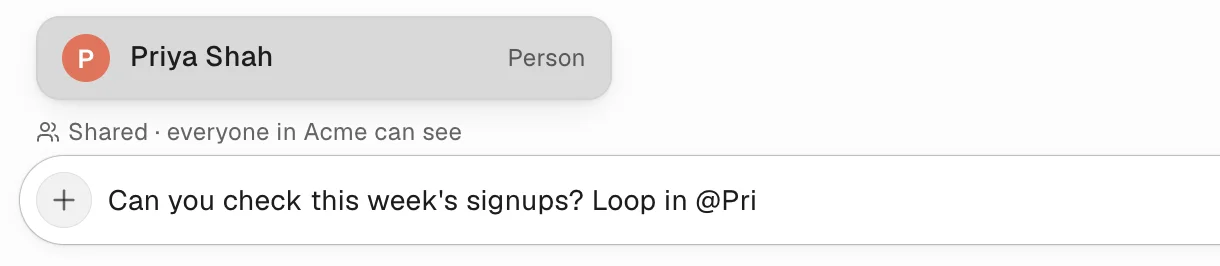
People and bots share one @ list.
MausBot Teams
Bots do the work and ask the right person when they need a decision.
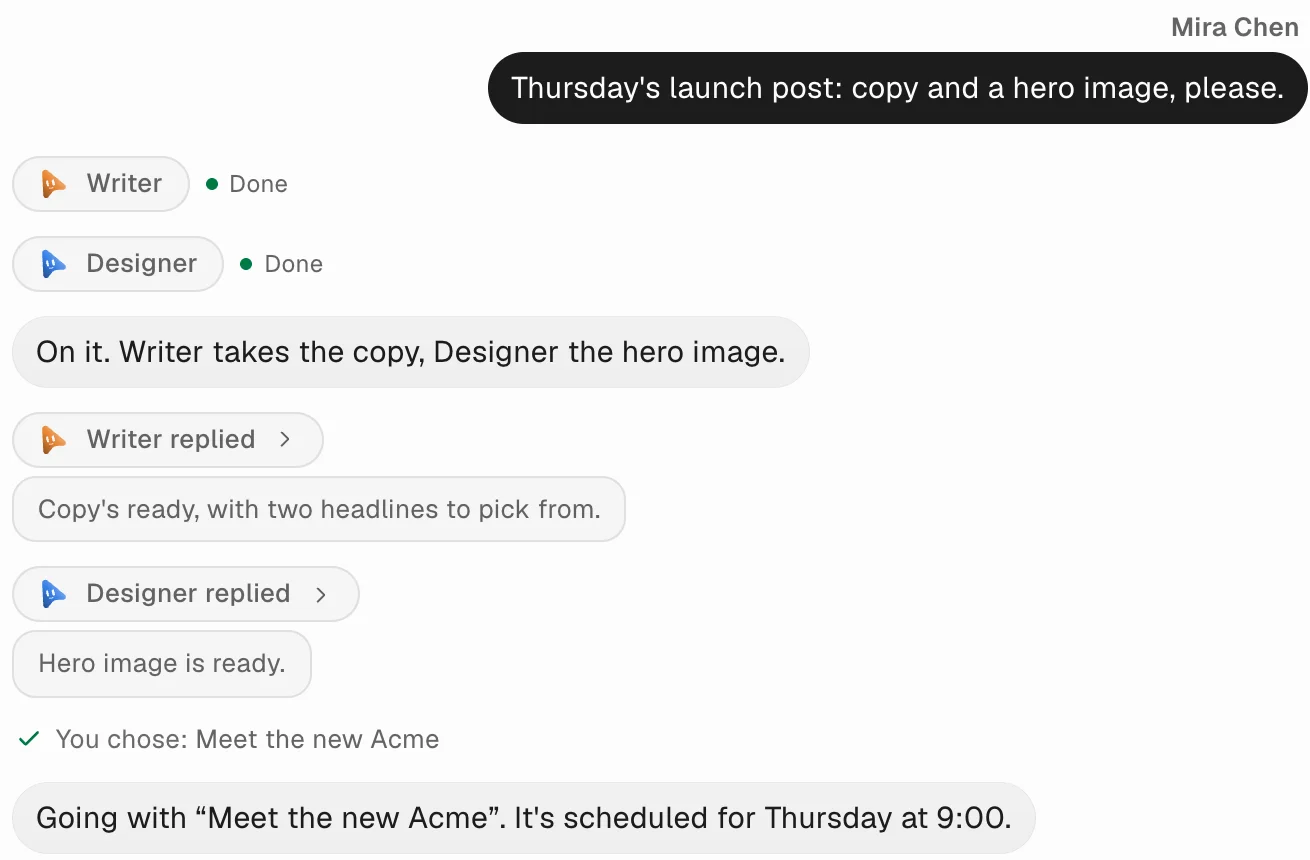
Anyone can ask. The bot hands parts to other bots.
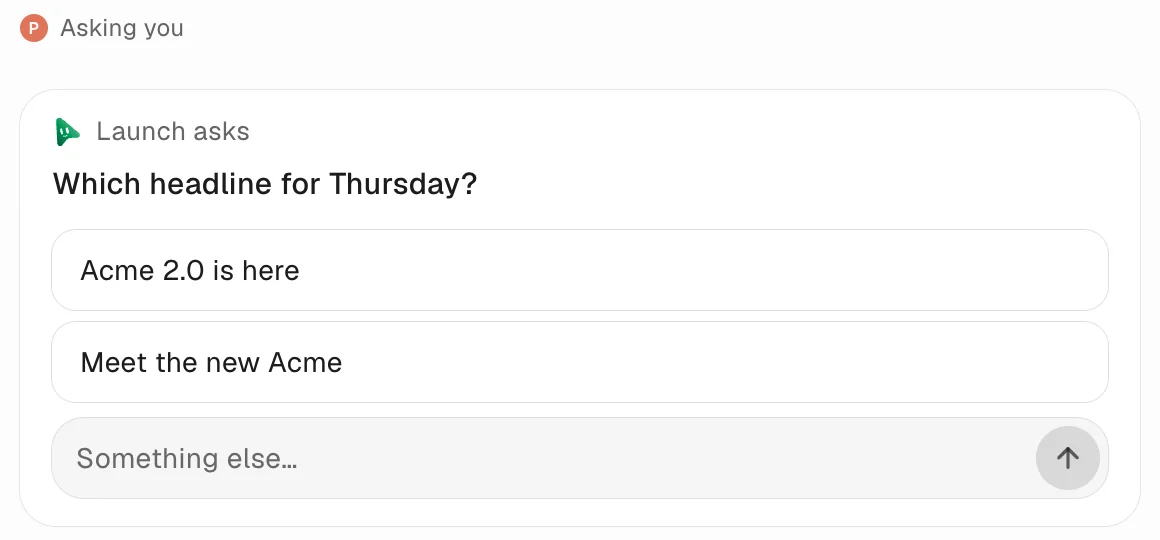
When it needs a decision, it asks the person who looks after it.
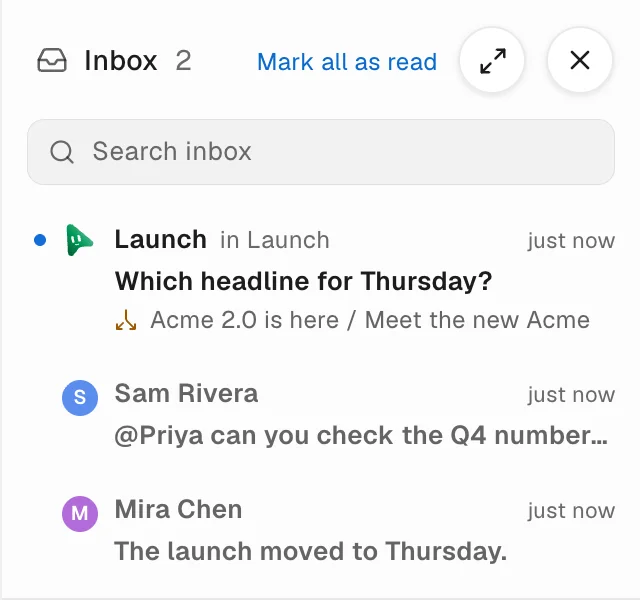
Questions, approvals and @mentions land in one place.
People and bots share one @ list.
Just me chats are private, even from admins.
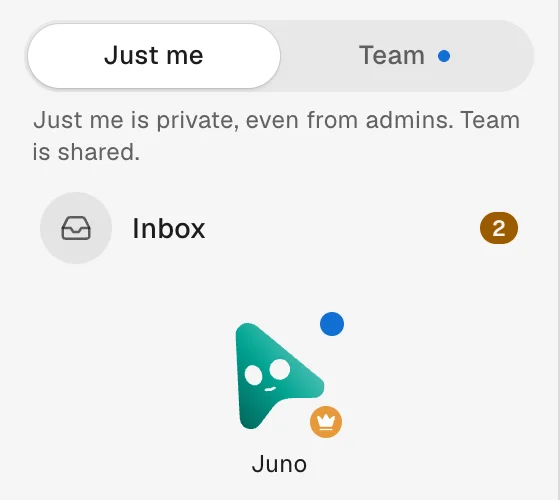
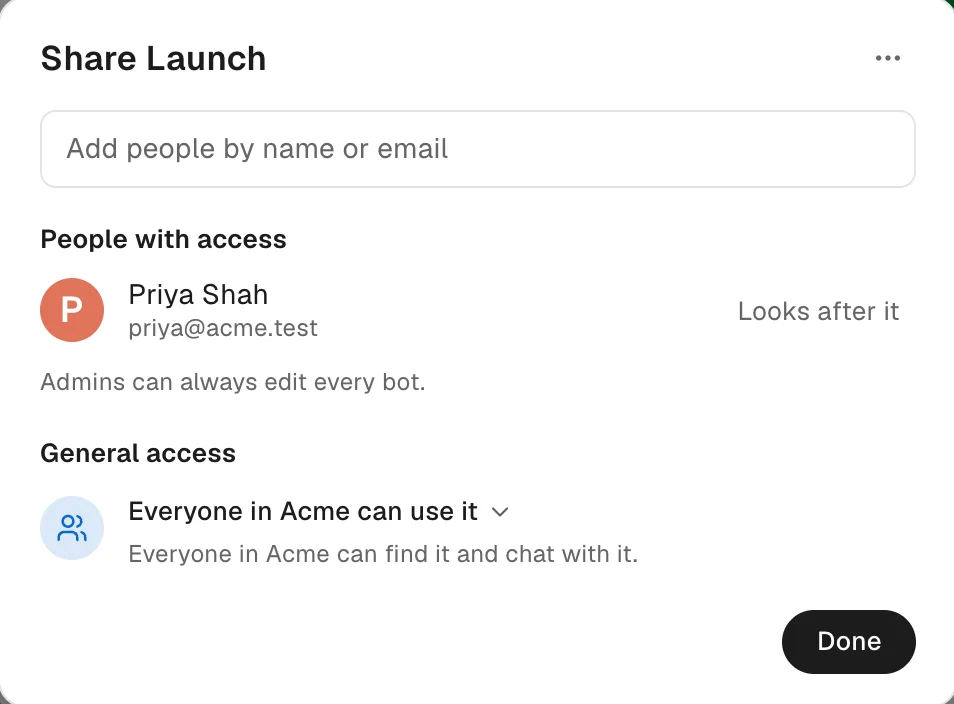
With everyone on the team, or only the people you add.
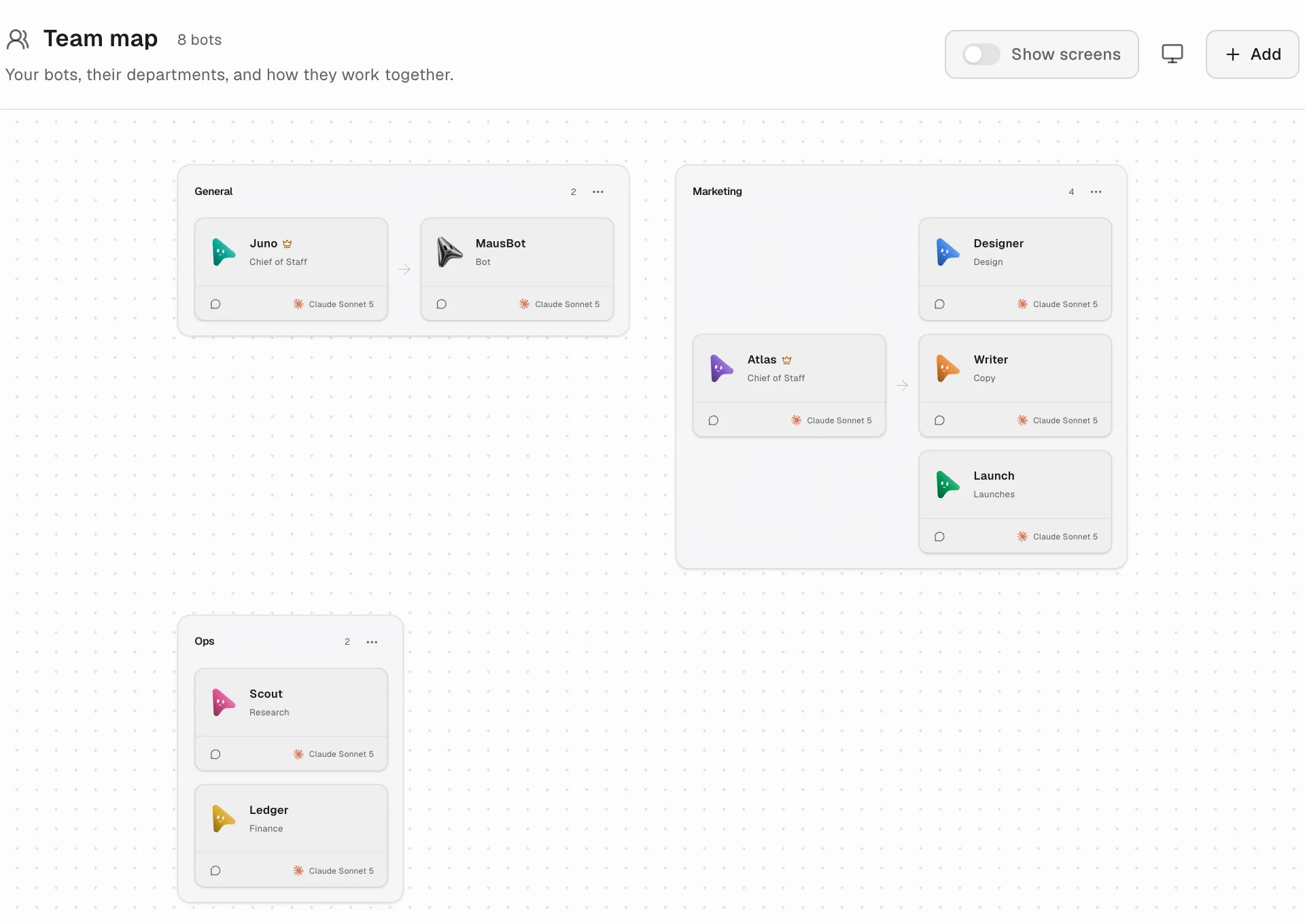
Departments, their Chiefs of Staff and every bot, on one map.
$40 /month for 2 people
+$20 for each extra person, up to 50. Every new team starts with a 1-day free trial.
The person who looks after it, its owner. Its questions, approvals, failures and routine reports go to their inbox, and in a shared chat the question says who it is asking. Anyone can also @mention a person, and a bot can pass a message to a teammate for you.
No. A private chat can be read only by the person whose chat it is: not by teammates, and not by the team's admins. What you share with the team, like a bot's shared chat, can be read by the teammates it is shared with and by admins.
No. Invite people by email and they join in the browser, or in the desktop app if they have it. Each person can also pair their own phone.
One shared bot. A team's bots live once, on the team's Cloud: a bot's instructions, skills and their scripts, apps and MCP servers are set up once, and everyone it is shared with works with that same bot, so a change reaches them all at once. Each person's own chats with it stay private: no teammate and no admin can read them. To work together there is the bot's shared chat and group chats, and Save to team memory adds a message to what the bot remembers for the whole team.
Team is $40 a month for 2 people, the buyer included, and $20 a month for each extra person, up to 50. For example, 5 people pay $100 a month. Each seat is for one person. The team's owner, whose card pays, adds and removes seats from the team's admin pages, and admins invite people by email into the seats the team has. More than 50 people? Talk to us.


